
Power, jams and paper feed
Note where the paper stopped and keep any message shown on the display.
On-site repair, preventative service and practical network help for the equipment your office depends on.
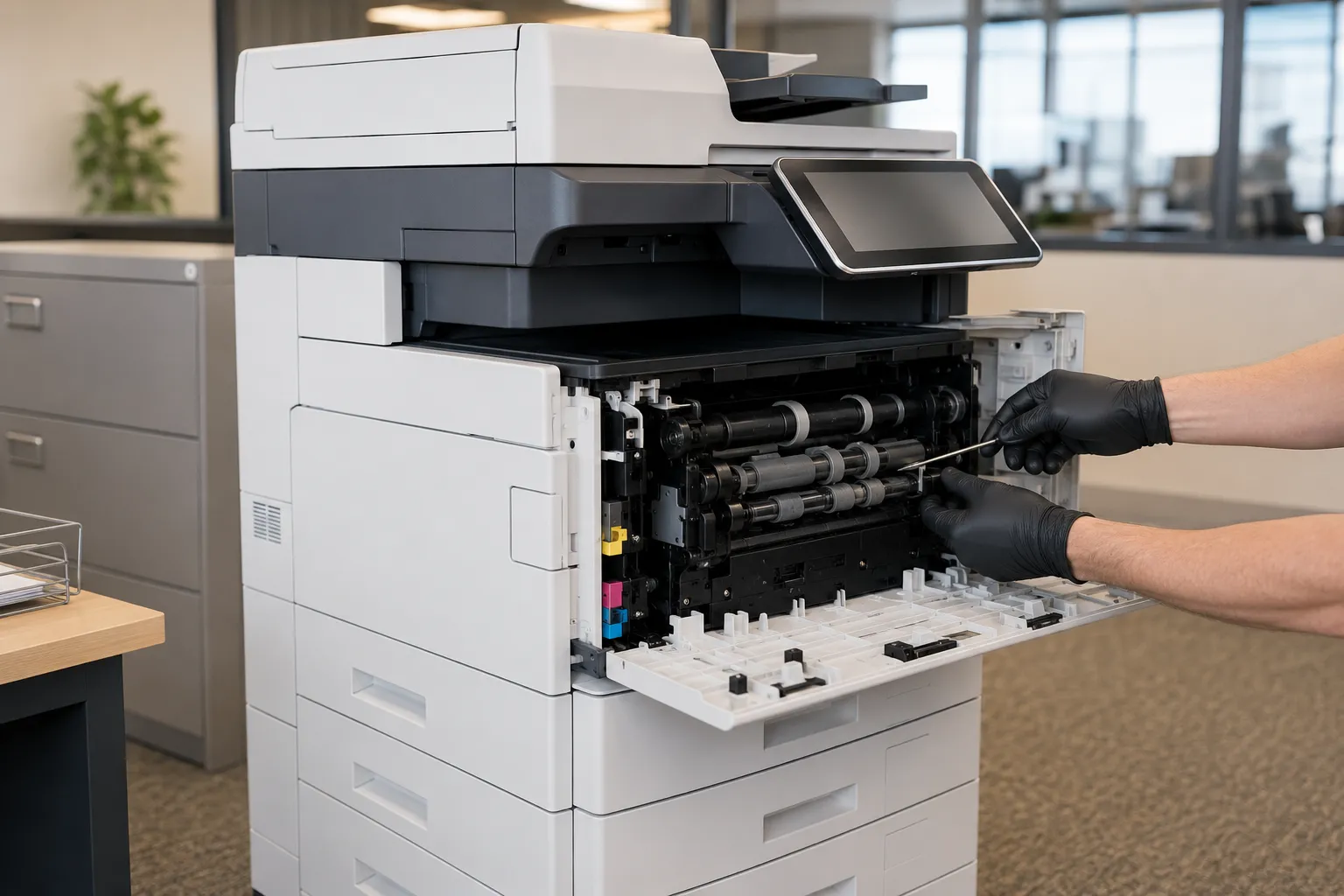
Copier Repairs
Copy Image Solutions provides on-site copier, printer and scanner service, with particular depth in Ricoh, Savin, Lanier and Gestetner equipment.
We personally handle service calls, bringing more than thirty years of experience directly to the machine. Customers get a fast, local response from someone who knows their equipment and their business, not a rotating call center.
This level of service and personal approach are top reasons why customers have stayed with Copy Image Solutions for years, and choose to entrust us with their copier and printing needs.
Service Agreements
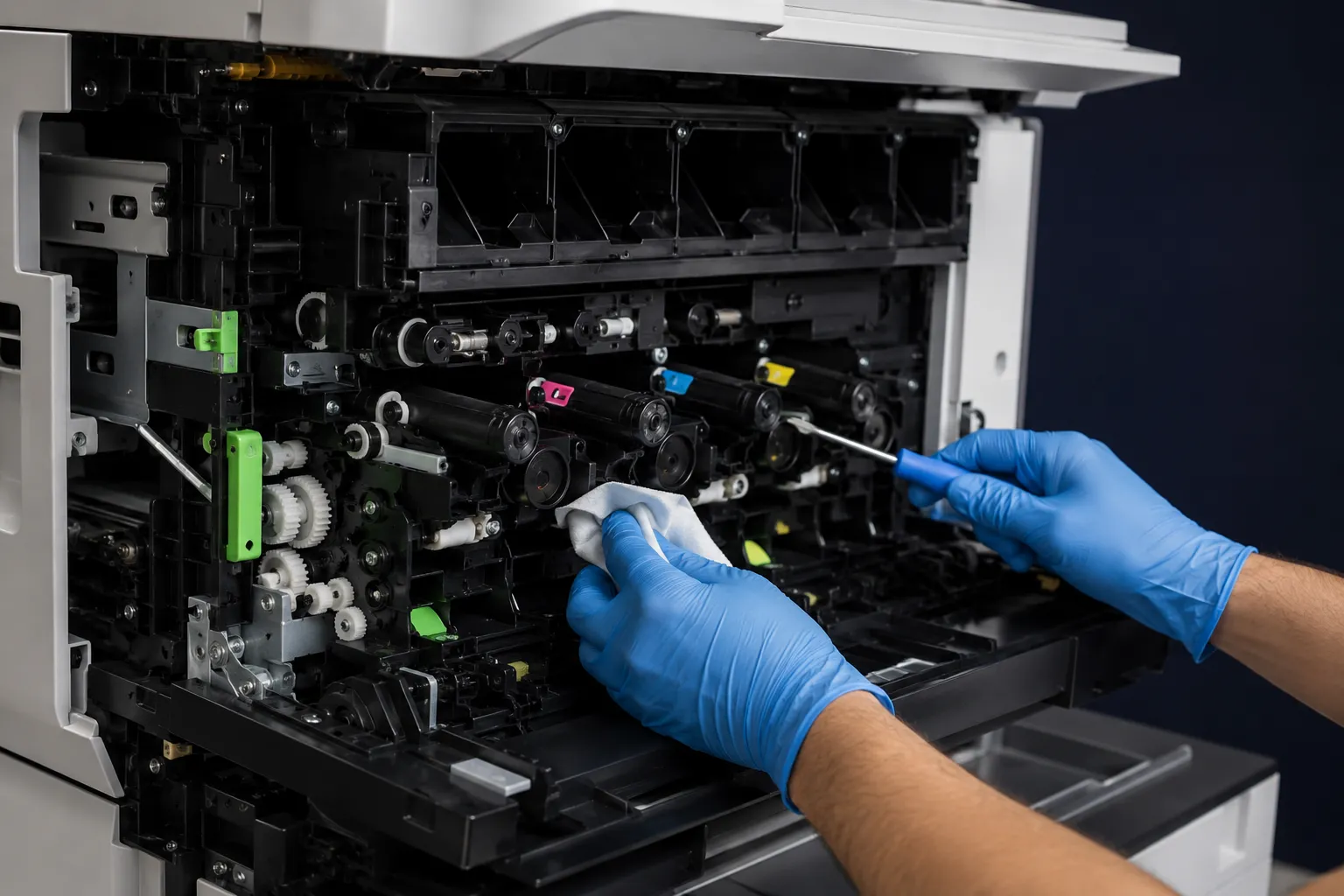
A service agreement is available for leased or owned equipment and can cover parts, labor, scheduled maintenance and toner or ink. Paper is not included. Pricing depends on the machine's make, age and monthly volume.
Customers on a service agreement receive on-site service within 24 hours.
An agreement also means someone is looking at the machine before it fails, not only after.
IT & Networking
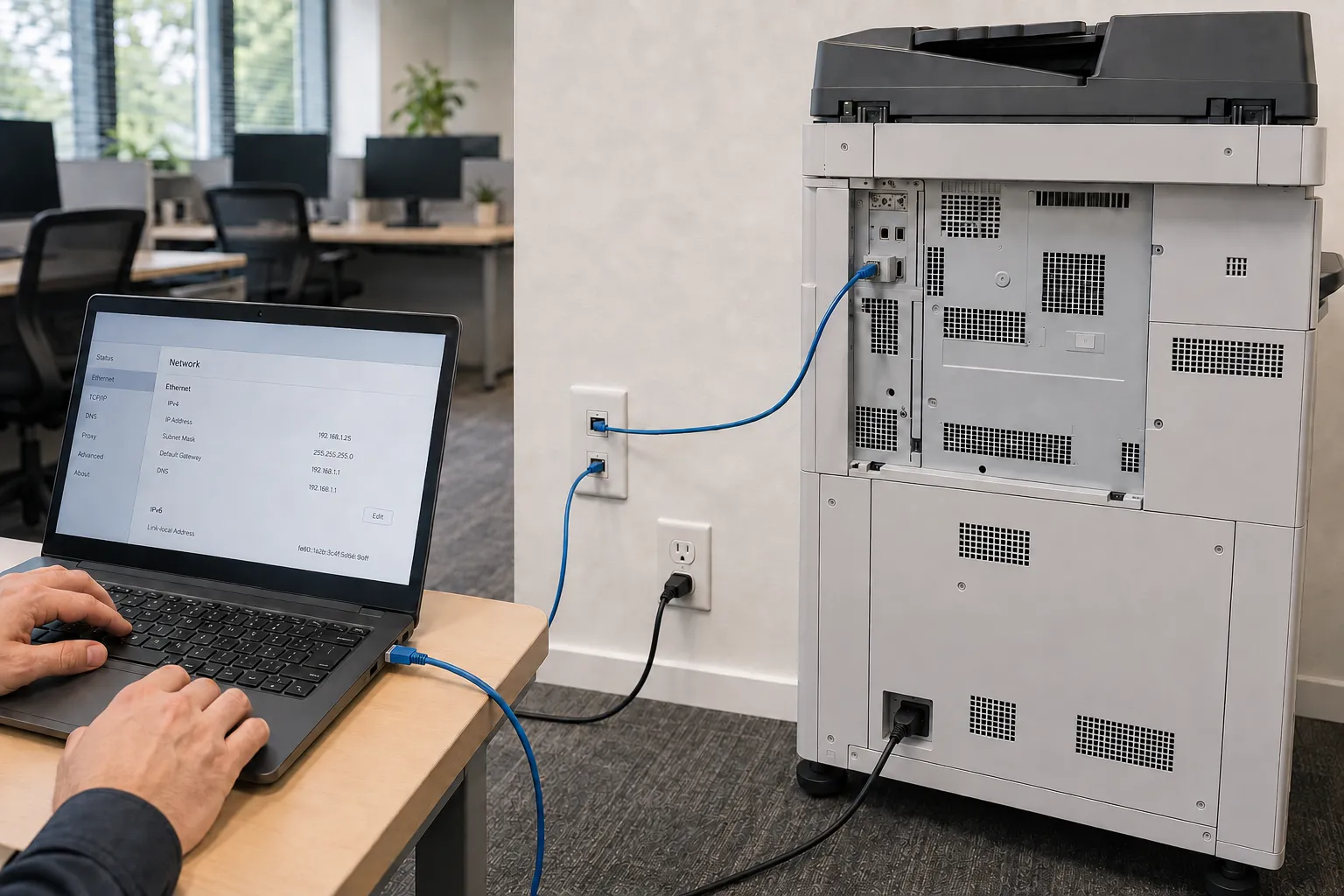
Frequently, problems that look like copier faults are not. New internet service, a replaced router, a firewall change or a workstation upgrade can all stop printing and scanning from working.
We handle the connection side of that: getting equipment onto the network, sorting out firewall rules where scanning or printing needs them, and dealing with printer drivers and workstation setup. For work beyond the equipment itself, we work with an IT partner we trust rather than guessing at it.
If you are changing internet providers, replacing hardware or computers, or moving offices, contact us and we can help ensure your printing and scanning keep working.
FAQ & Troubleshooting
These details help us understand the problem before we arrive. Do not enter service mode or repeatedly clear a safety code. If the machine is down, send us the information shown on its display.
Ricoh copier error codes in San Diego · Ricoh copiers in San Diego
Note where the paper stopped and keep any message shown on the display.
Keep a sample showing streaks, fading or color problems so the issue is easier to identify.
Note whether the problem affects scan to email, a shared folder or every destination.
Tell us what changed recently, such as a router, internet provider or workstation.
Include the complete code exactly as it appears on the display.
Tell us what the equipment is doing and include any code shown on the display.